Getting started
How to build a game press kit
A practical path from a blank page to a kit that is ready to share.
GamePressKit editorial · Updated 6 October 2026
Start with the questions a reader needs answered
Describe what the game is, what makes it interesting and where it can be played. A short opening paragraph should make sense to someone who has never heard of the project. Follow it with a few concrete features rather than a long list of adjectives. Keep the studio biography separate so the game’s story stays easy to scan.
Make the facts easy to check
Include the developer, publisher if applicable, platforms, release status and store links. If a release date is not announced, say so. Add a monitored press contact and check that every link opens the intended page. A journalist should not have to infer a release window from an old trailer.
Choose assets that explain the game
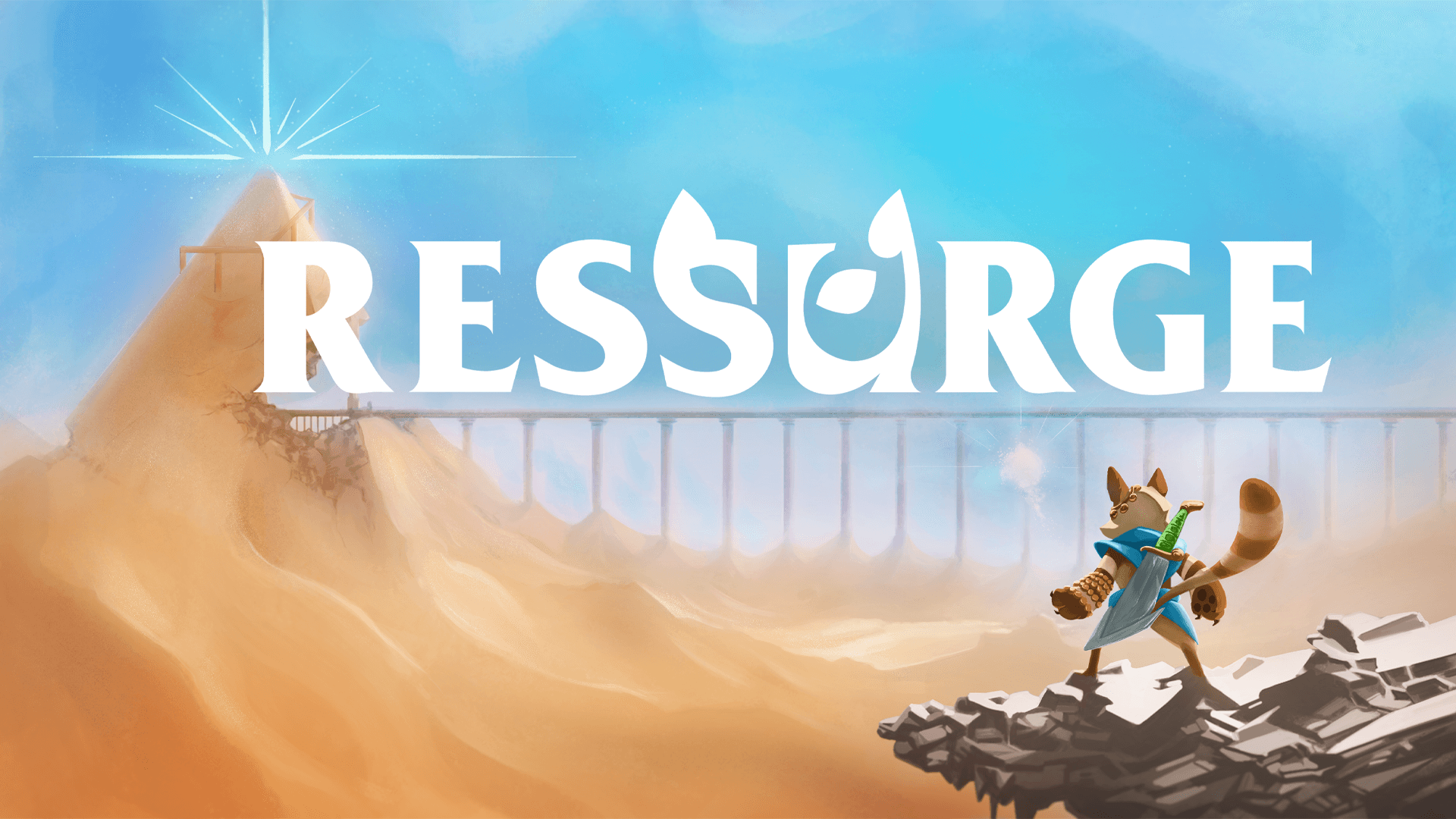
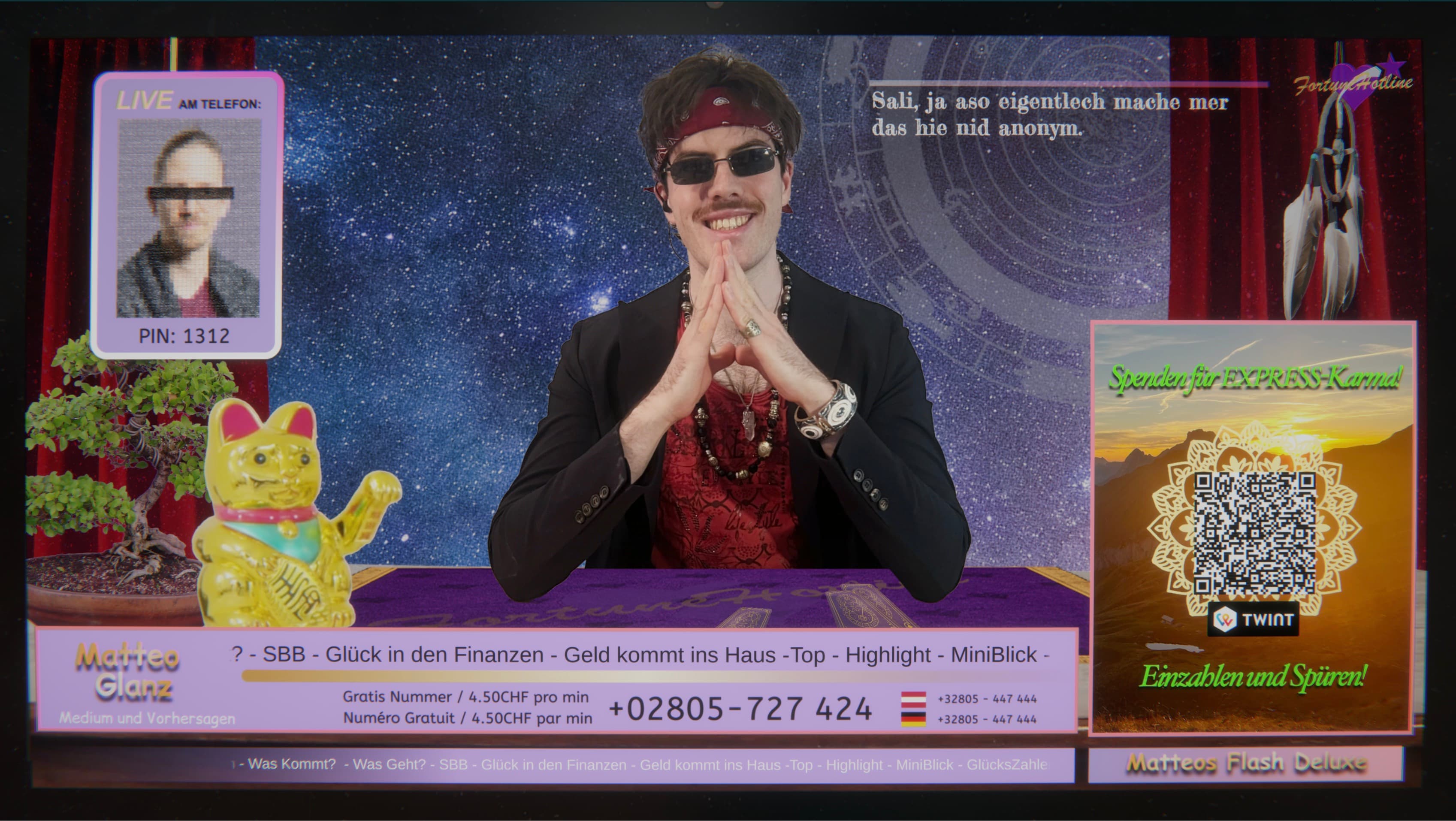
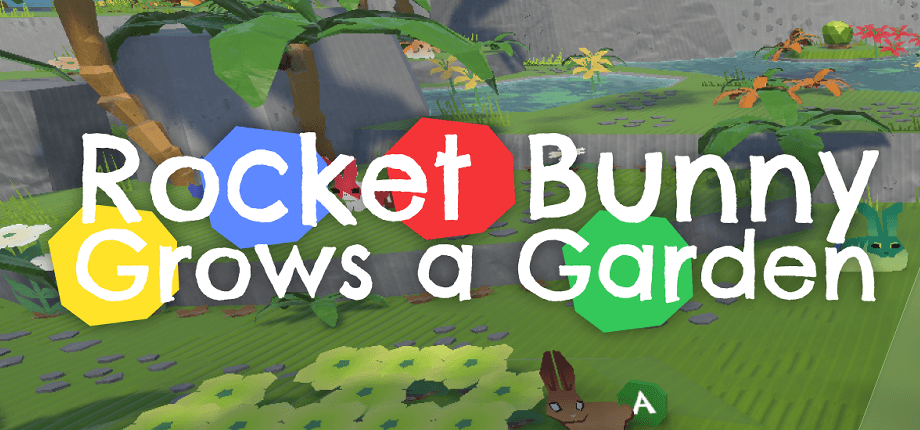
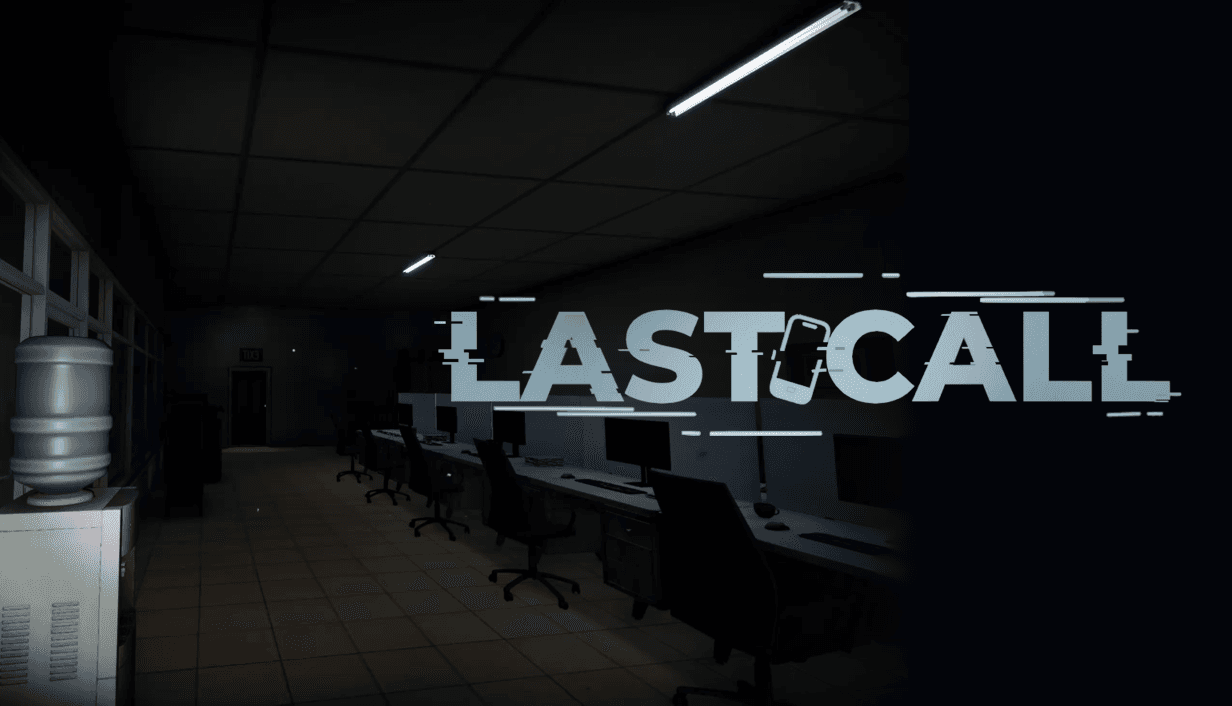
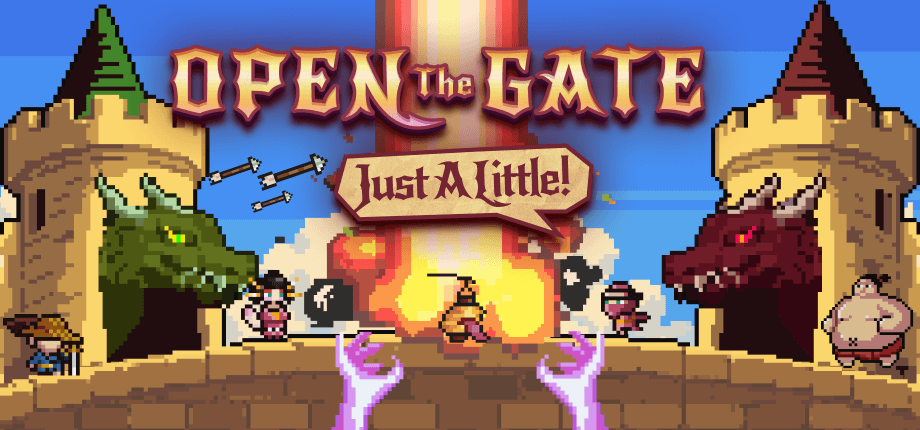
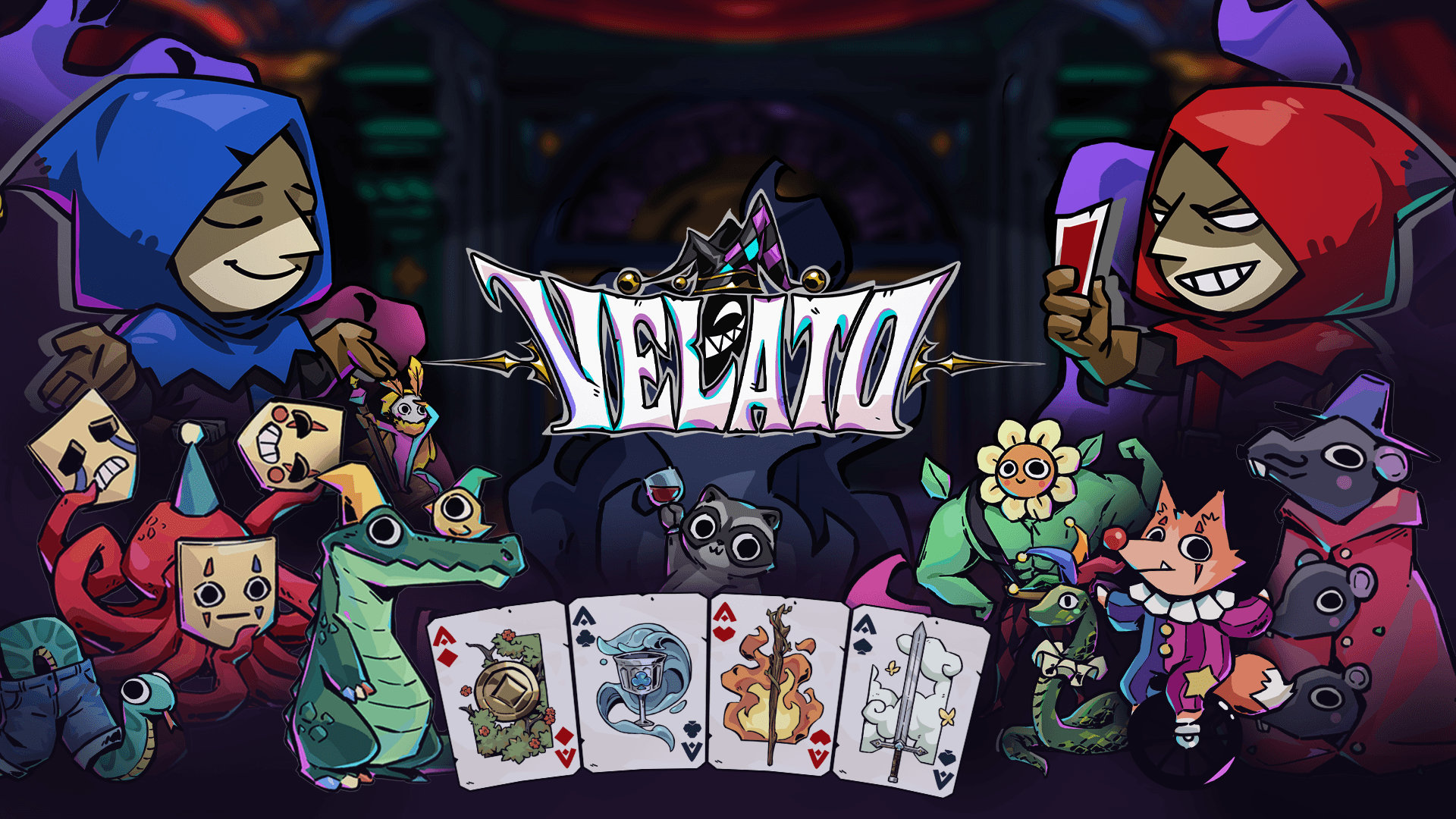
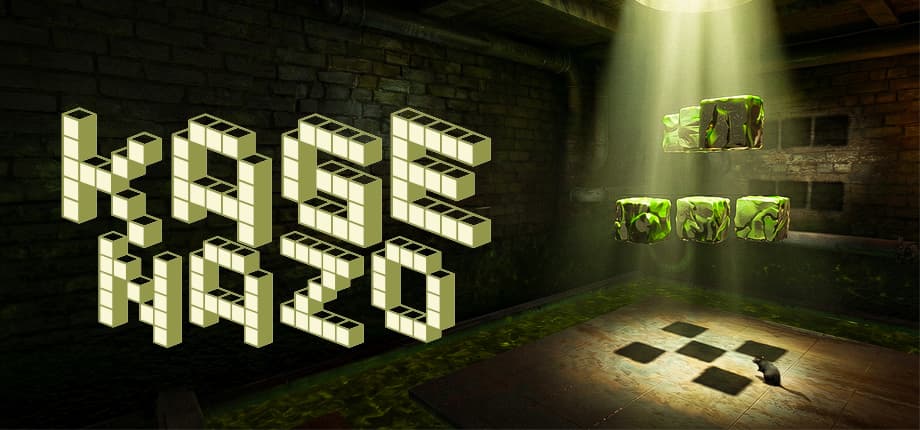
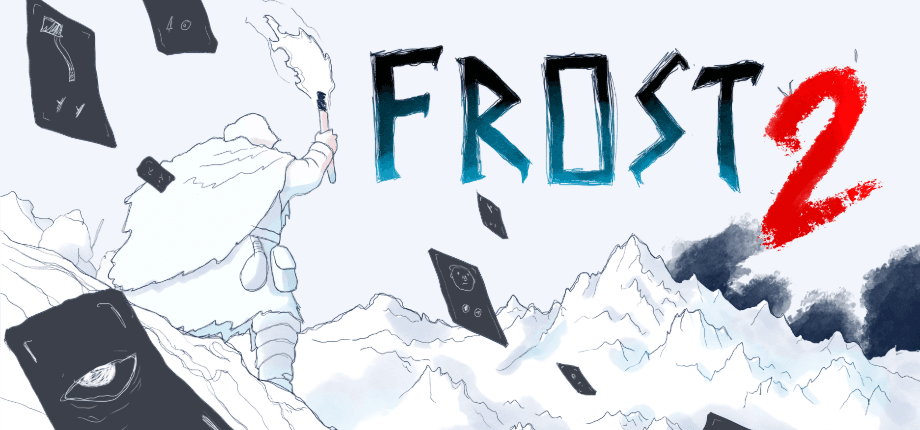
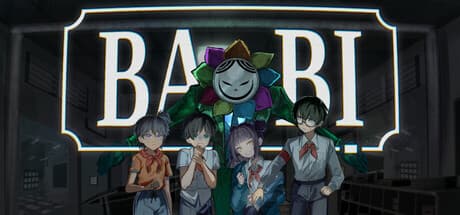
Use a small, varied selection of clear gameplay screenshots, a useful trailer, your logo and key art. Supply original image files instead of embedding the only available copy in a PDF. Separate key art from gameplay so an editor can identify what each image represents.
Build and review the public page
In GamePressKit, create a studio and game, or import an existing Steam or itch.io page. Review imported information before publishing. Add your media, adjust the appearance and preview the result on a phone as well as a desktop. Open the public link in a signed-out browser and download a sample asset.
Keep the same link useful
Update dates, screenshots and store links as the game changes. Revisit the kit before every announcement. Keep an internal checklist for localized versions too, so a corrected fact is not left outdated in another language. The aim is a reliable place to get information, not a page you publish once and forget.