Assets
The game press kit asset checklist
What to include, how to organize it and what to check before sharing.
GamePressKit editorial · Updated 6 October 2026
Gameplay screenshots
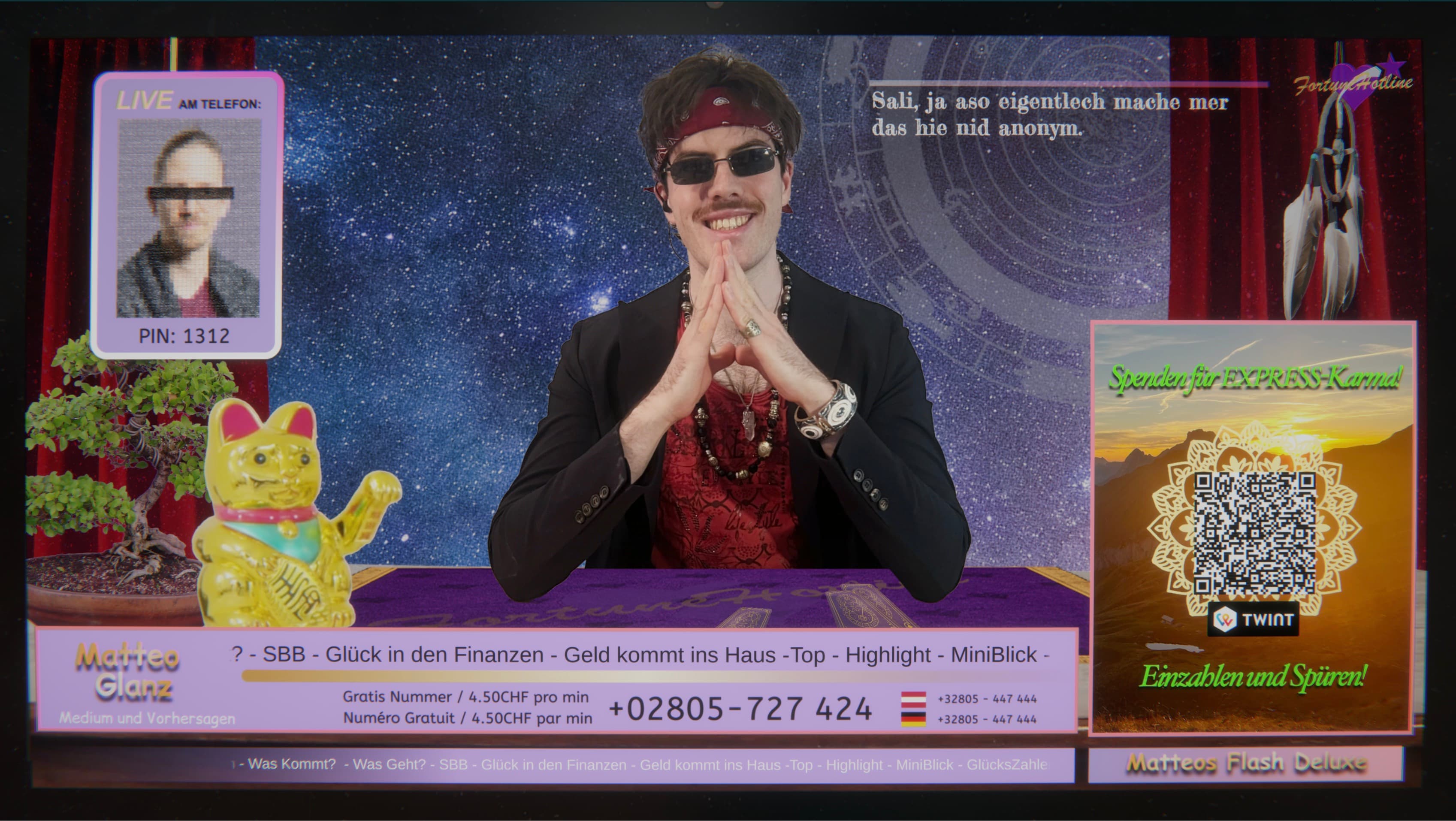
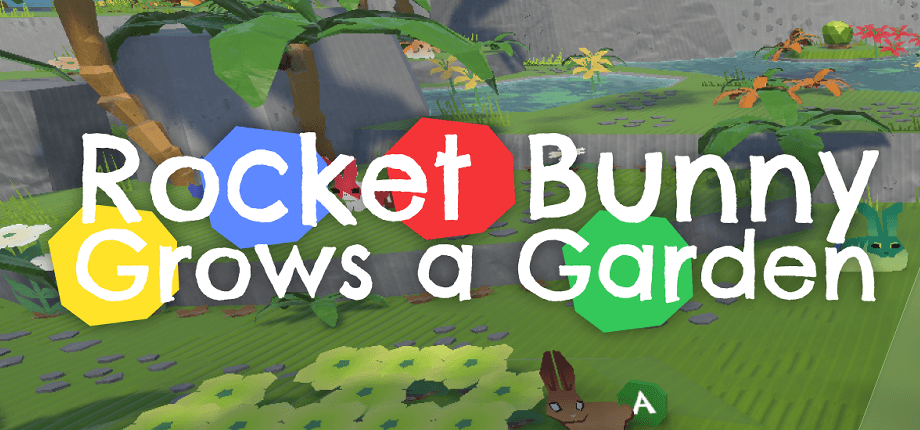
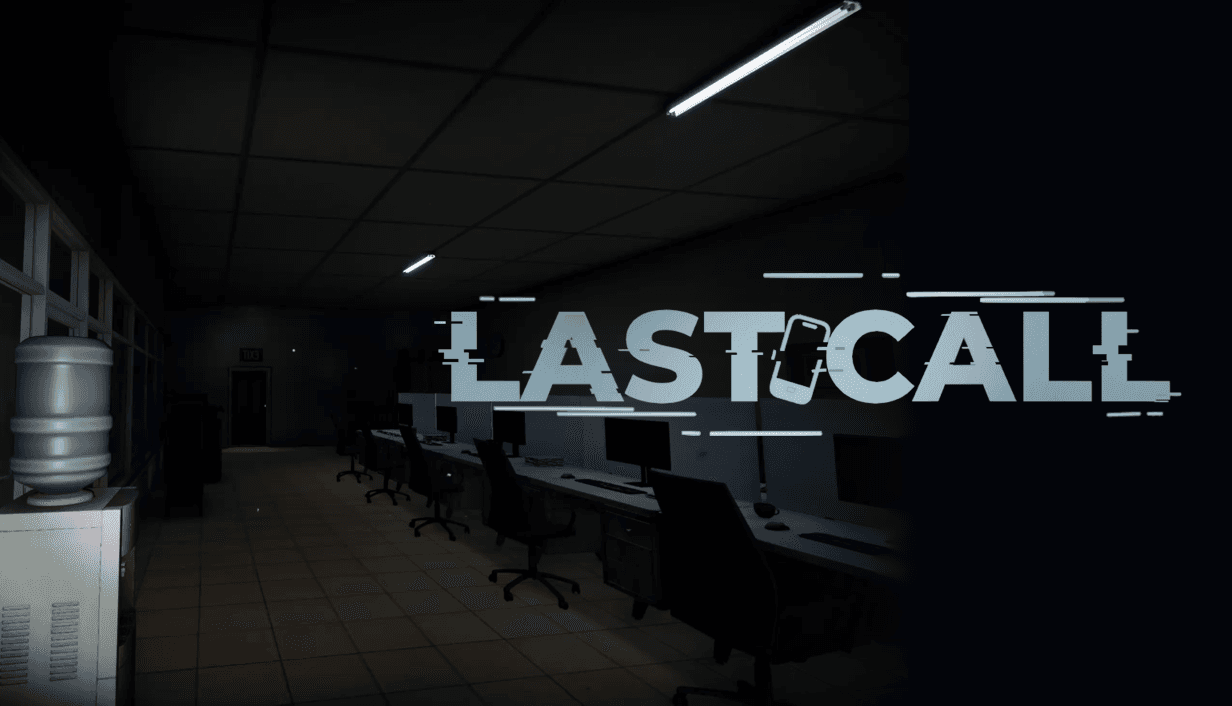
Choose clear screenshots that show the actual game. Include different locations, mechanics or moments rather than several near-identical images. Use full-resolution originals and descriptive filenames. Avoid forcing editors to crop screenshots out of a document or remove presentation borders.
Logos and key art
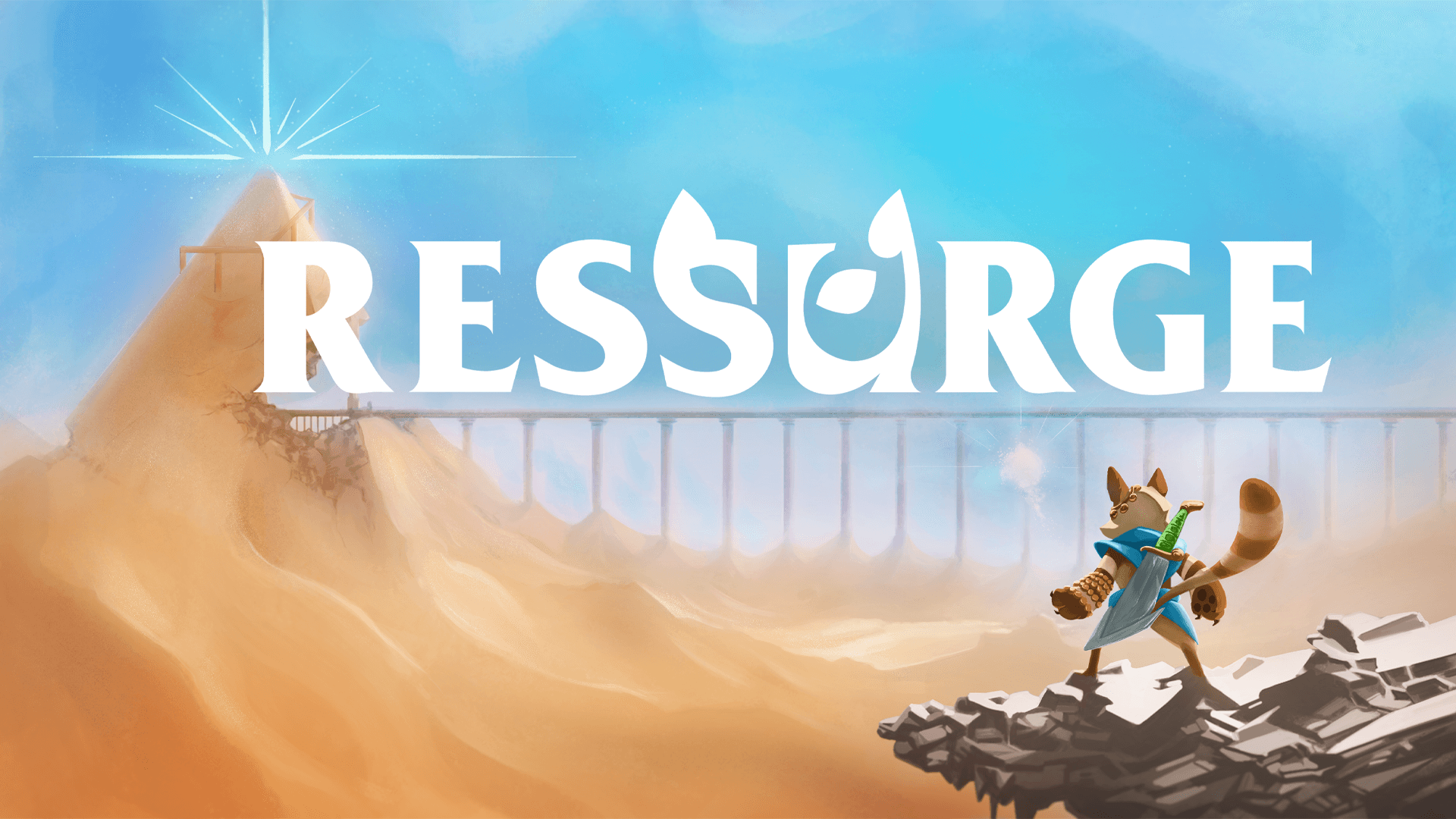
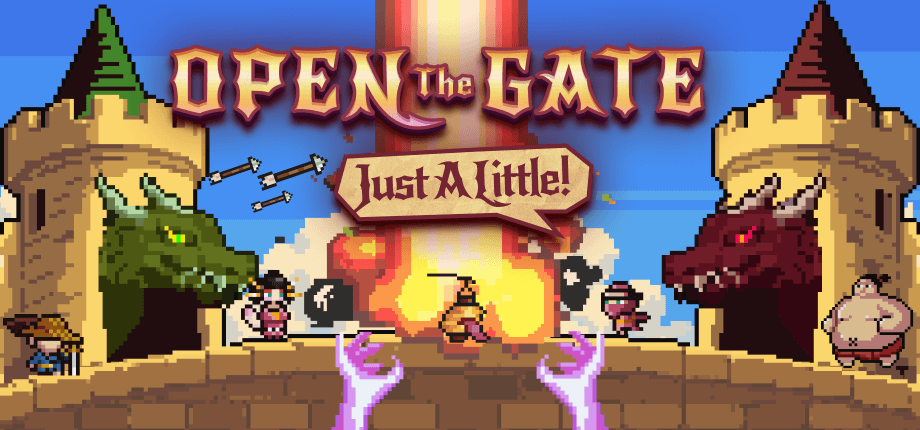
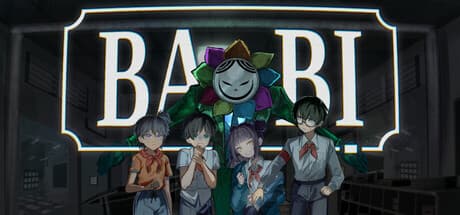
Supply a transparent game logo and identify any light or dark variants. Keep studio branding separate from the game logo. Add key art in the compositions you can support, making it clear when an image is promotional artwork rather than a gameplay capture.
Trailers and other media
Include a working trailer embed or link and identify what it shows. If you make a downloadable video available, label it clearly. Only provide music, images and other materials you have the right to distribute. State any usage restrictions directly beside the relevant asset.
Facts and contact information
Check the exact game title, developer and publisher names, platforms, release status and store URLs. Include a short description, feature list and a contact who can answer follow-up questions. Keep these facts consistent with the store page and with any downloadable fact sheet.
Test the handoff
Open your kit without being signed in. Check each asset category, download an individual file and try the complete ZIP. Confirm filenames are understandable after extraction. If the kit is password-protected, verify the intended access flow before sending the link. Recheck translations and remove outdated announcement material from the current selection.