Release notes
Custom domains, game blogs, and analytics
Run your press kit on your own domain, publish updates in a game blog, and see views, sources, and downloads without cookies.
GamePressKit editorial · Updated November 27, 2026
Custom domains
You can set one custom domain per studio from the Custom Domain card on your Studio page. Enter your domain, such as press.yourstudio.com, and add one DNS record at your domain provider (such as a CNAME pointing press to domains.gamepresskit.com). HTTPS is handled automatically, search engines are told your custom address is the main one, and links you already sent on gamepresskit.com keep working.
One domain covers your studio page and every paid game under it, while free games keep their gamepresskit.com link. For example, The Scourge by Rare Reversee runs at press.thescourgegame.com, giving press an address that matches the game instead of a third-party URL.
Game blogs
Each paid game now includes a blog at gamepresskit.com/your-studio/your-game/blog, or on your custom domain once connected. Write posts in your game’s Blog tab with a cover image and a full rich-text editor, and keep drafts private until you publish. You can write a version of each post for every language your press kit supports, and the three newest posts appear on the press kit page itself.
For example, when you announce a release date or ship a major patch, you can draft the post ahead of time in each language your press kit supports and publish it when the news goes live. Anyone opening your press kit sees the update alongside your facts, screenshots, and logos.
Analytics
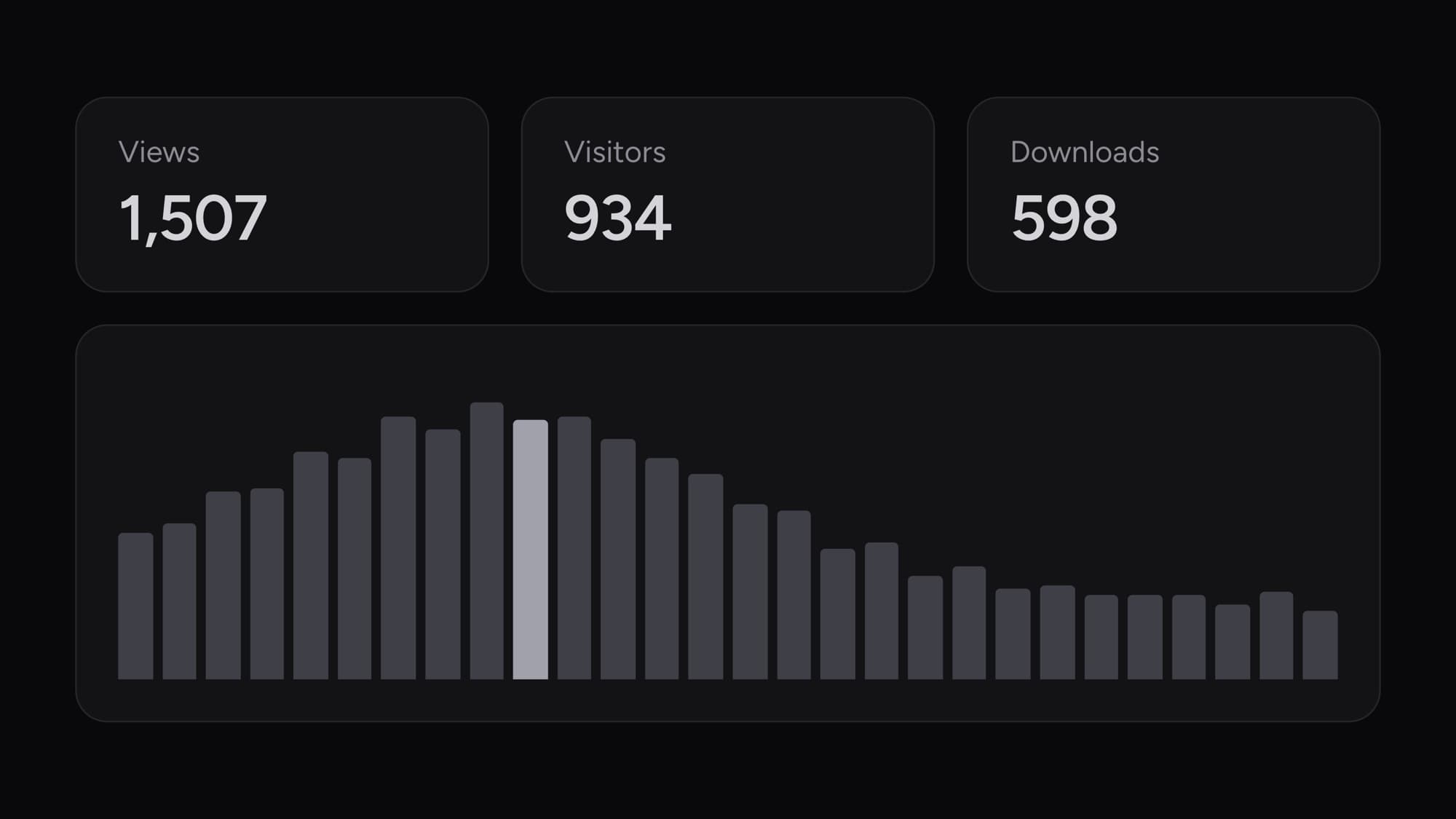
The Analytics tab shows daily views, visitors, downloads, and store clicks, along with where visitors came from, their countries and languages, which files they downloaded (the whole kit, fact sheet PDFs, selected files, or single files), and which blog posts they read. Add ?ref=something or utm_source to any link you send so it appears as its own source. For example, sharing your press kit with ?ref=newsletter in a studio mailing shows those visits under “newsletter”.
Visits from your studio, your team, and known bots are not counted. Press kits set no cookies and need no cookie banner: only daily totals are stored, and the data that tells one visitor from another is deleted after two days. Counting starts on launch day, so your history begins empty.
Availability
Custom domains and game blogs are included on every paid plan: Indie, Indie Plus, and Studio. Free games stay on gamepresskit.com and do not include a blog.
In the Analytics tab, games on Free and Indie see their view count for the last 30 days. Full analytics is included on Indie Plus with 90 days of history, and on Studio with 12 months of history. Compare plans on the pricing page.
How to start
- Open a game in your dashboard and choose a paid plan from the game’s plan card (or compare plans on the pricing page).
- Go to the Studio page, open the Custom Domain card, enter your domain, and add the DNS record at your domain provider.
- Open the game’s Blog tab to draft and publish your first post.
- Open the game’s Analytics tab to see views, downloads, and tagged ?ref= links as visitors arrive.